Loading…
Loading…
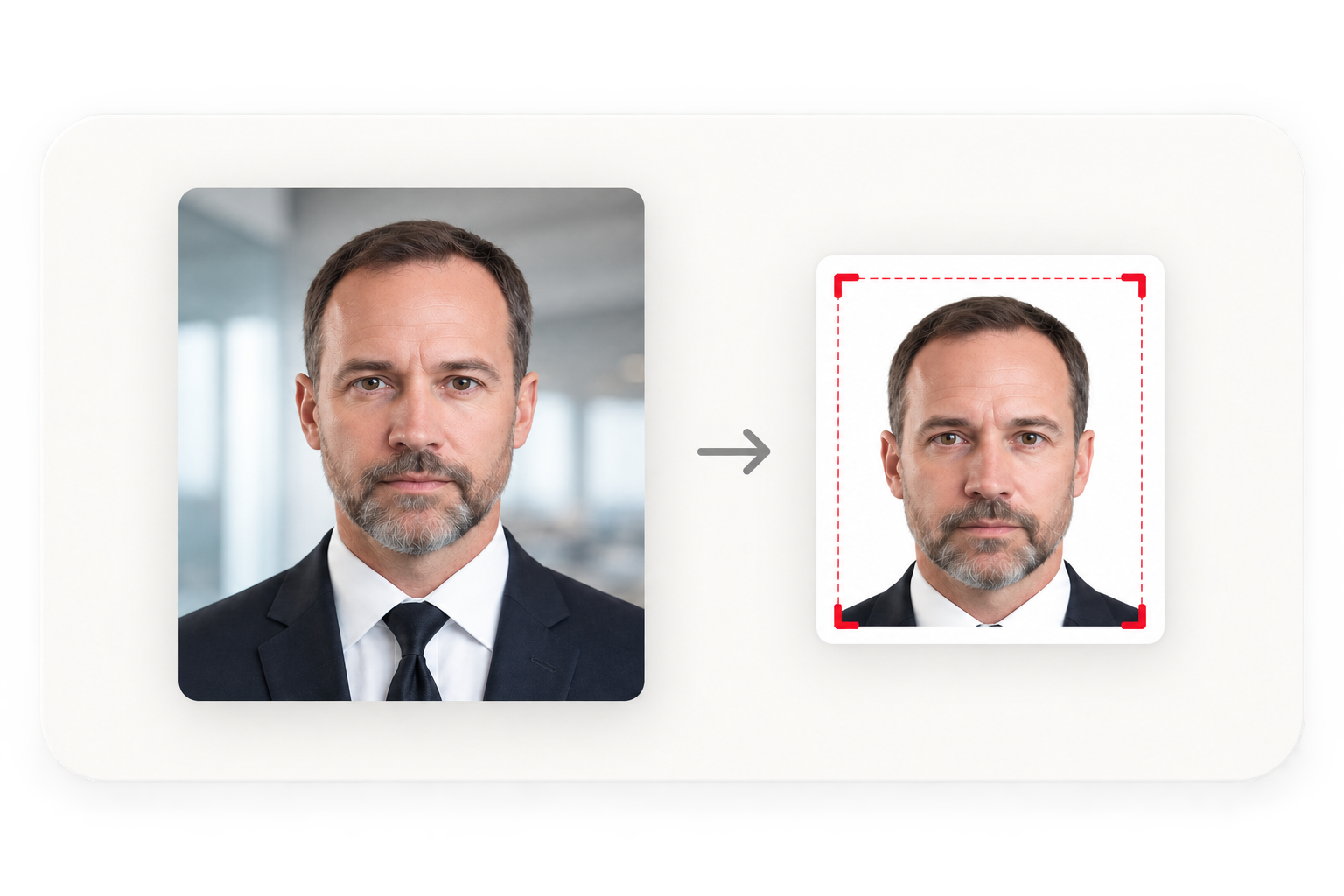
Upload a phone photo and get a file that meets the exact specification for your country and document, with the head height measured in millimetres rather than guessed. Free, no watermark, and your photo never leaves your device.
Product demo
Upload, auto-crop to your country's rules, then download print or digital.
How it works
No payment, no watermark, no upload. Enter an email to unlock your download. The only other thing you need is a reasonably lit photo.
Make my photoWhy it passes
Most photo tools crop to an aspect ratio and stop there. The rejections happen in the details underneath.
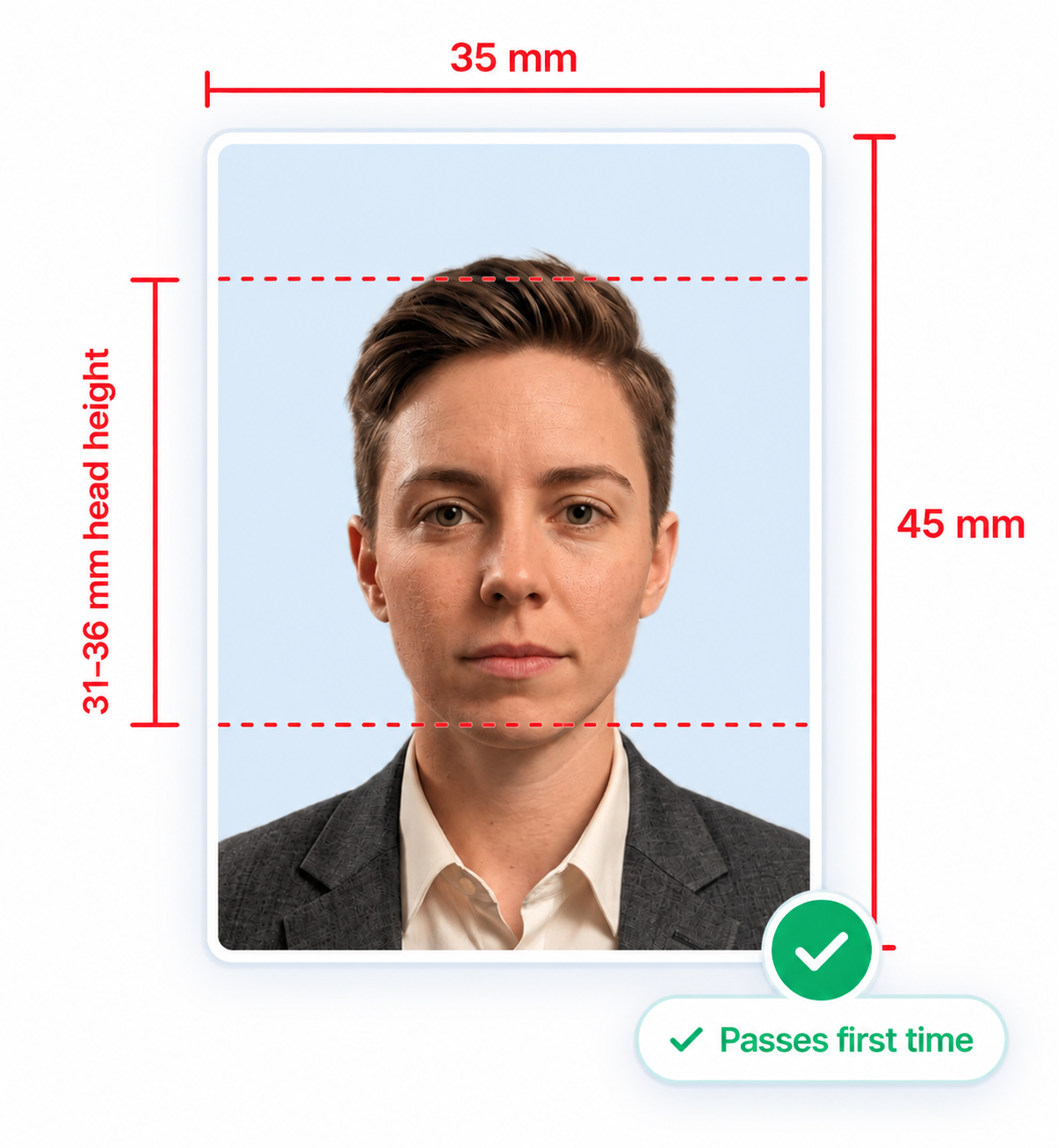
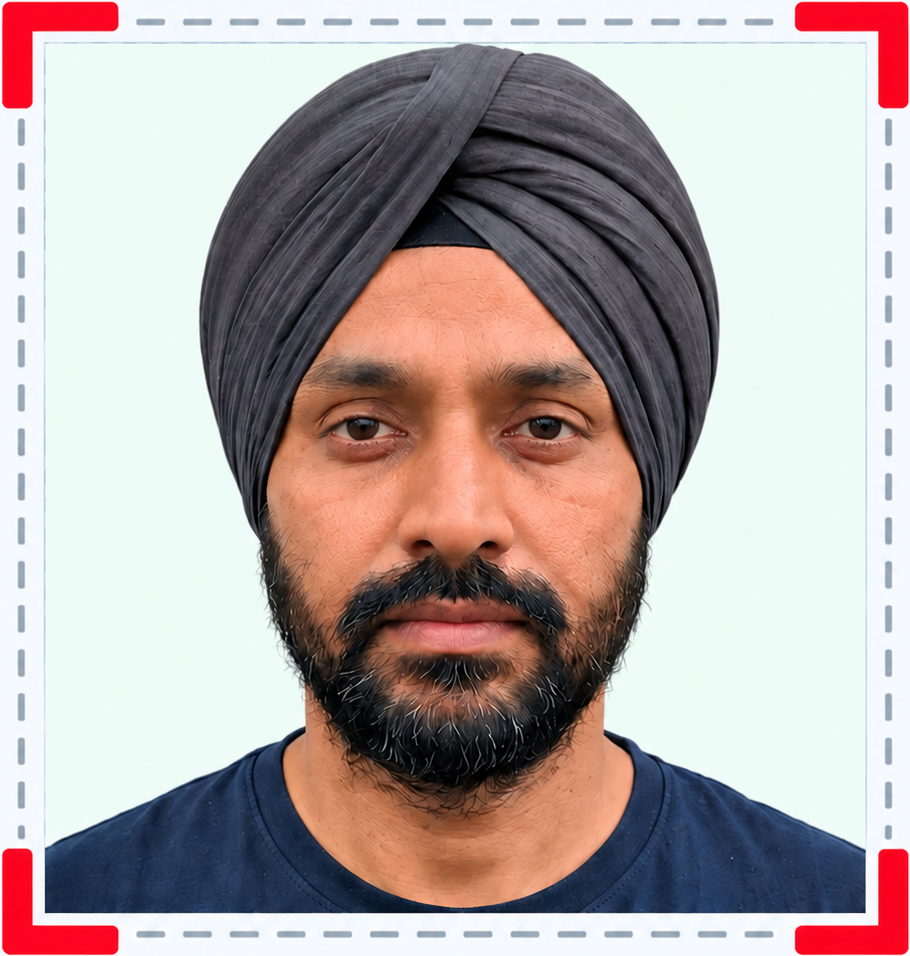
Make my photoThe number that fails most applications. We measure chin to crown, hair included, and tell you the figure rather than hoping the crop looks right.
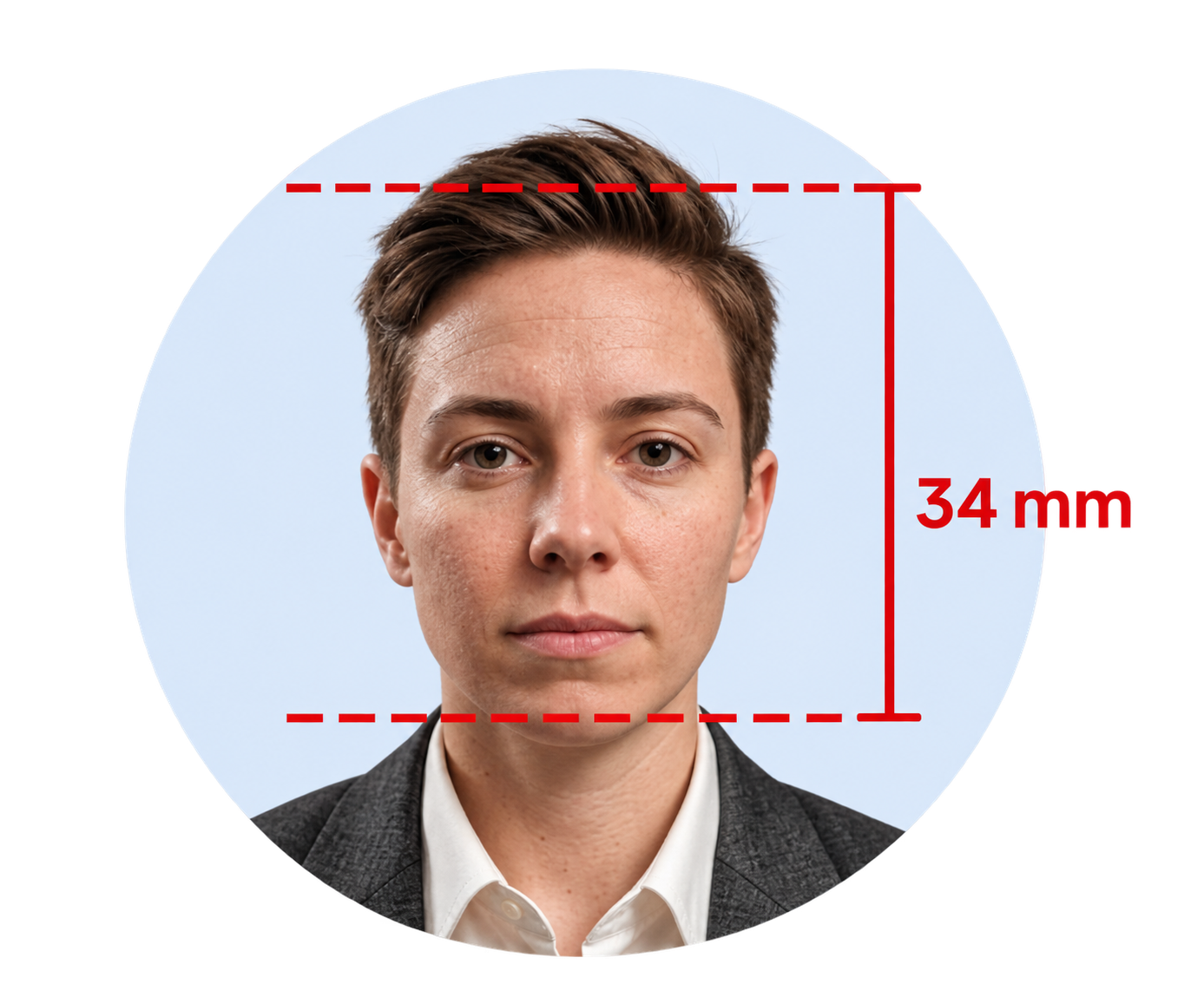
Measured
34 mm
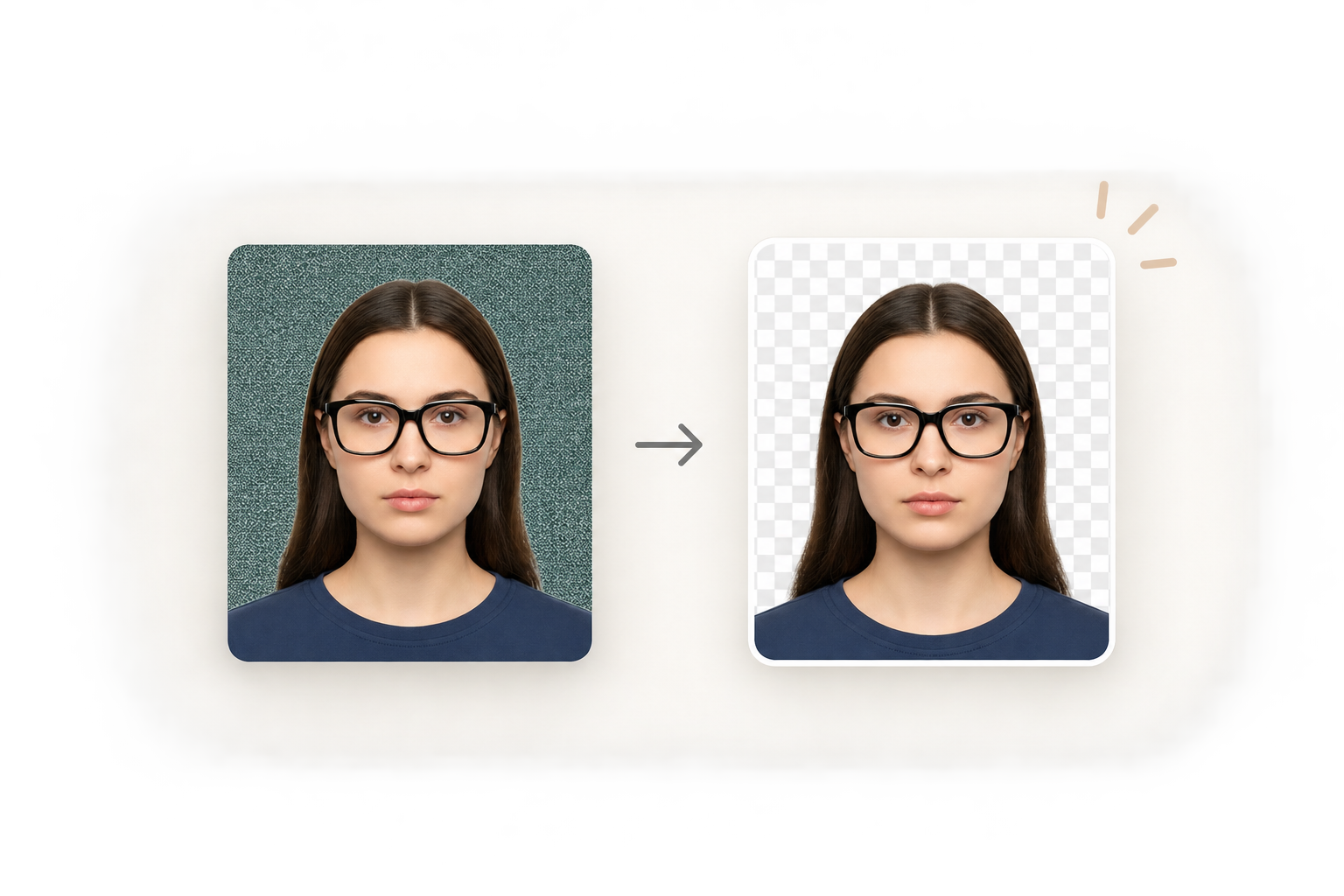
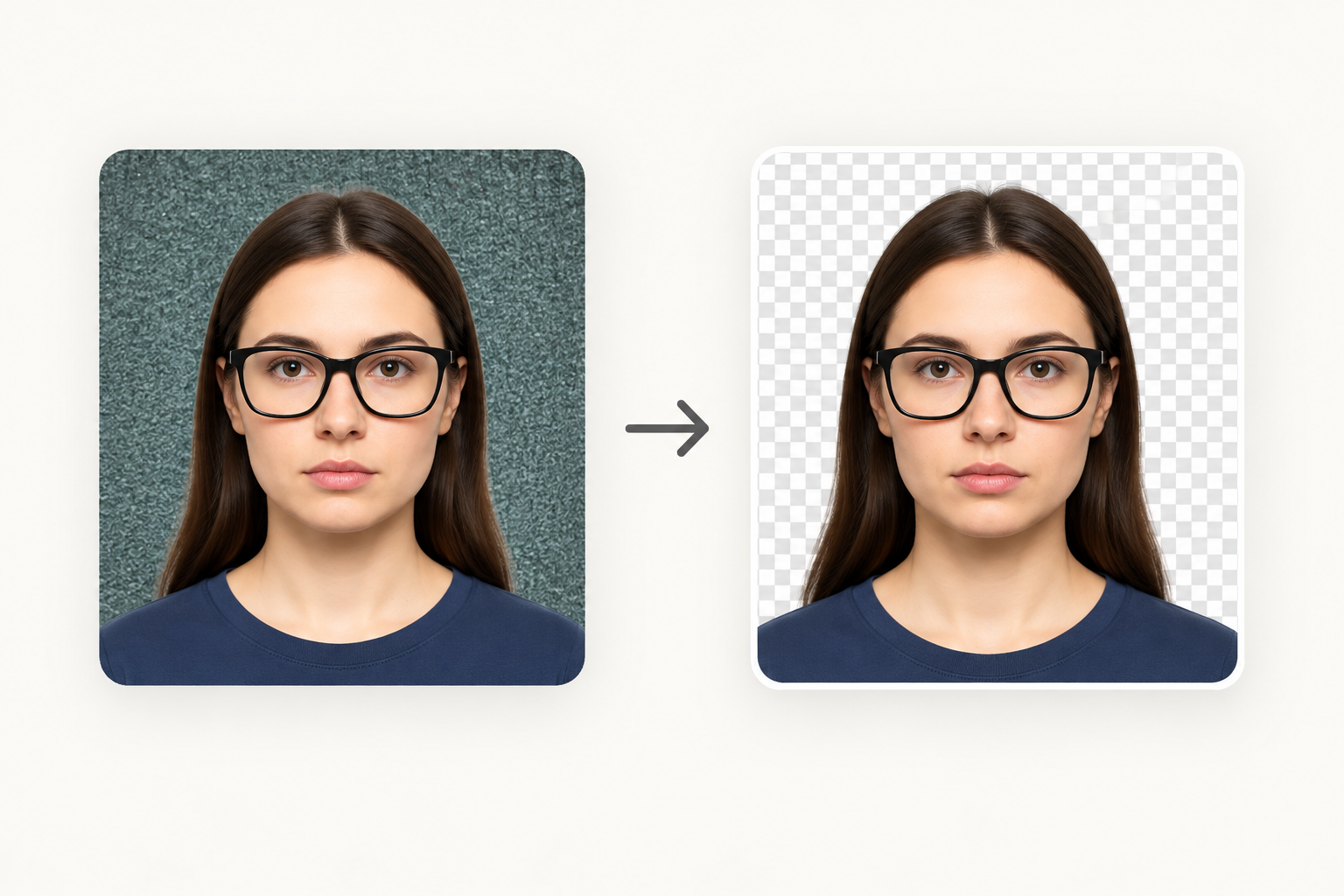
Swap a beige rental wall for the exact shade your country wants: white, off-white, light grey, cream or light blue.
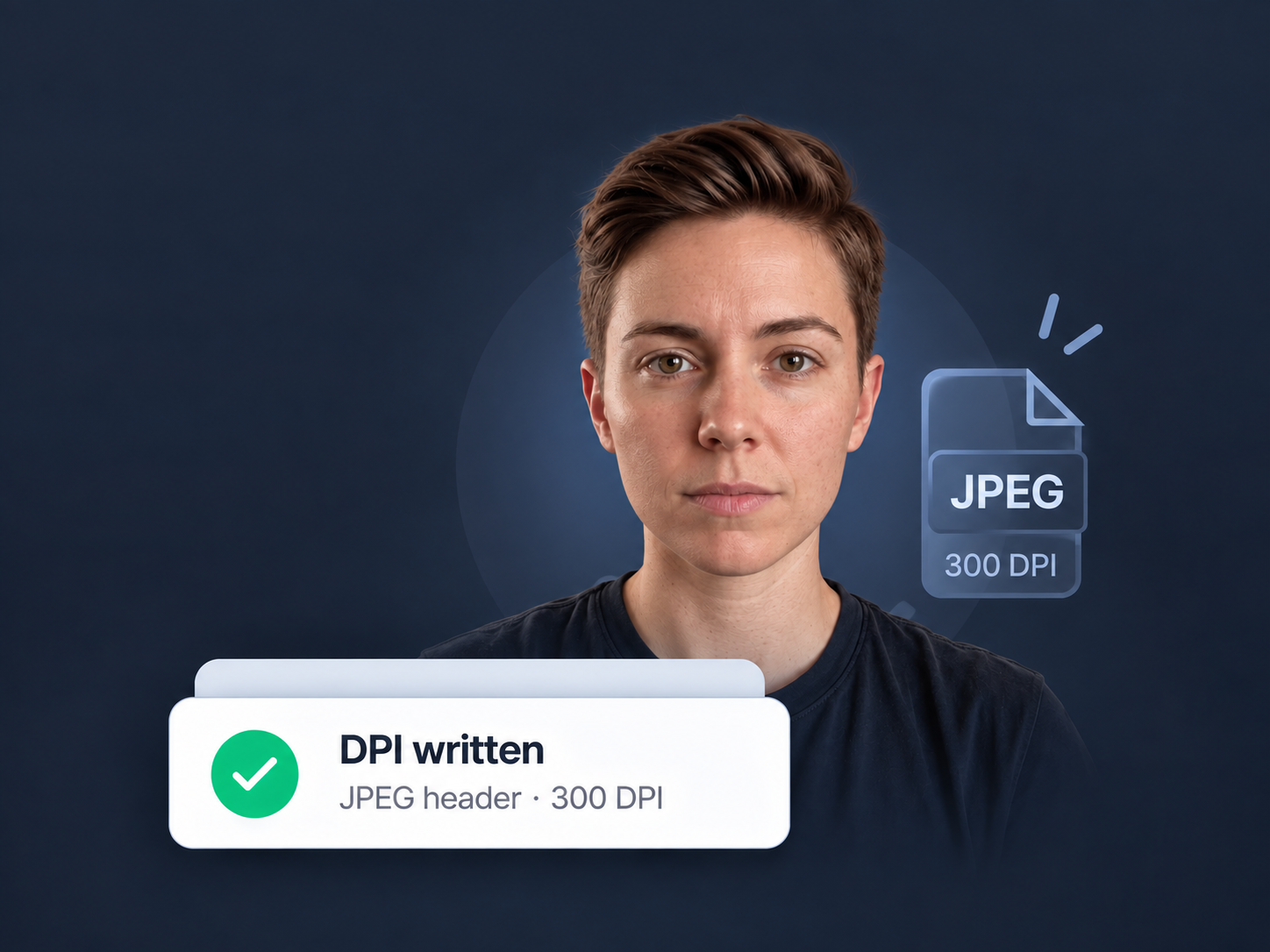
Browser exports normally carry no physical size, so prints come out wrong. We write a true DPI into the JPEG header.
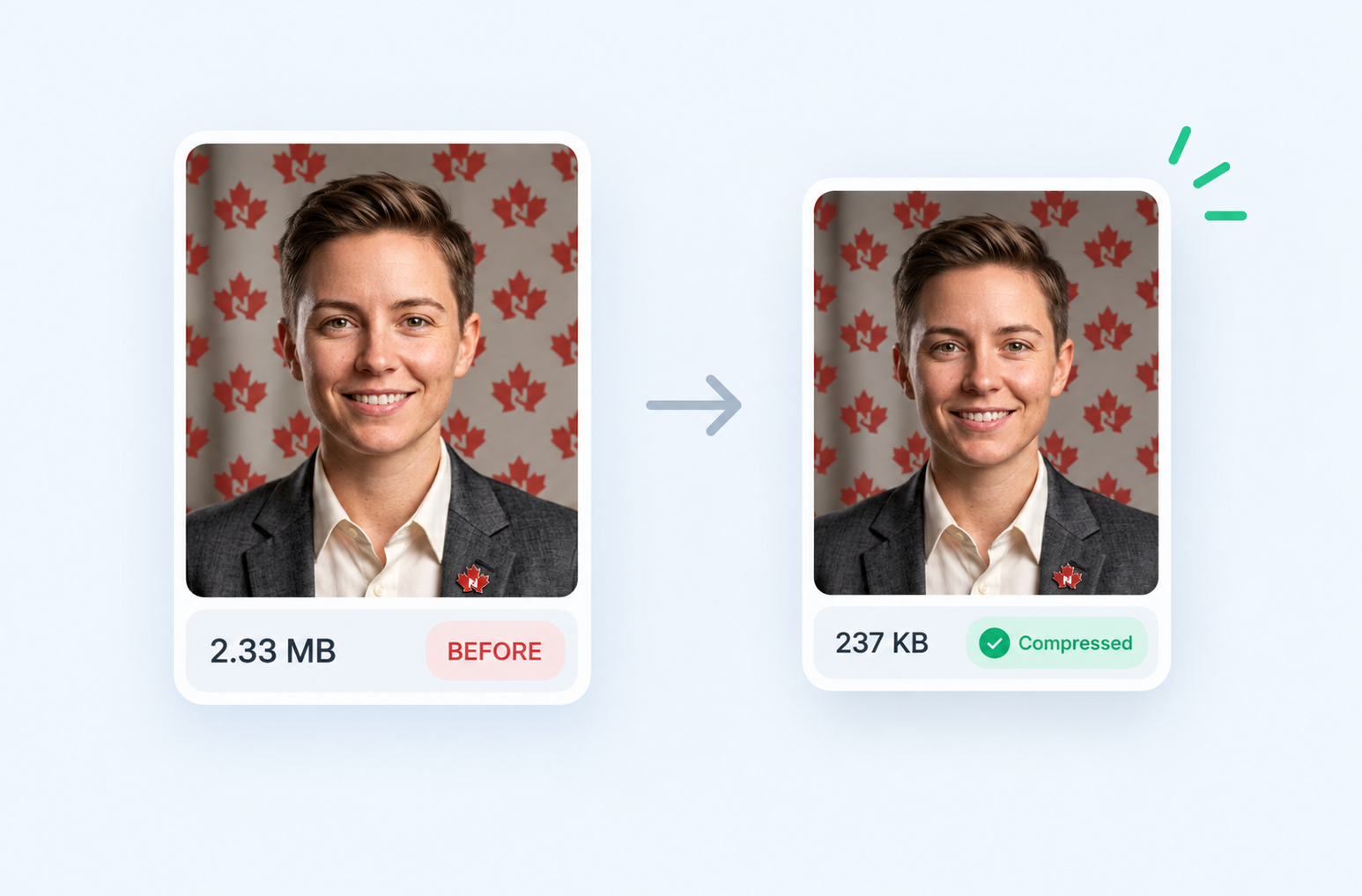
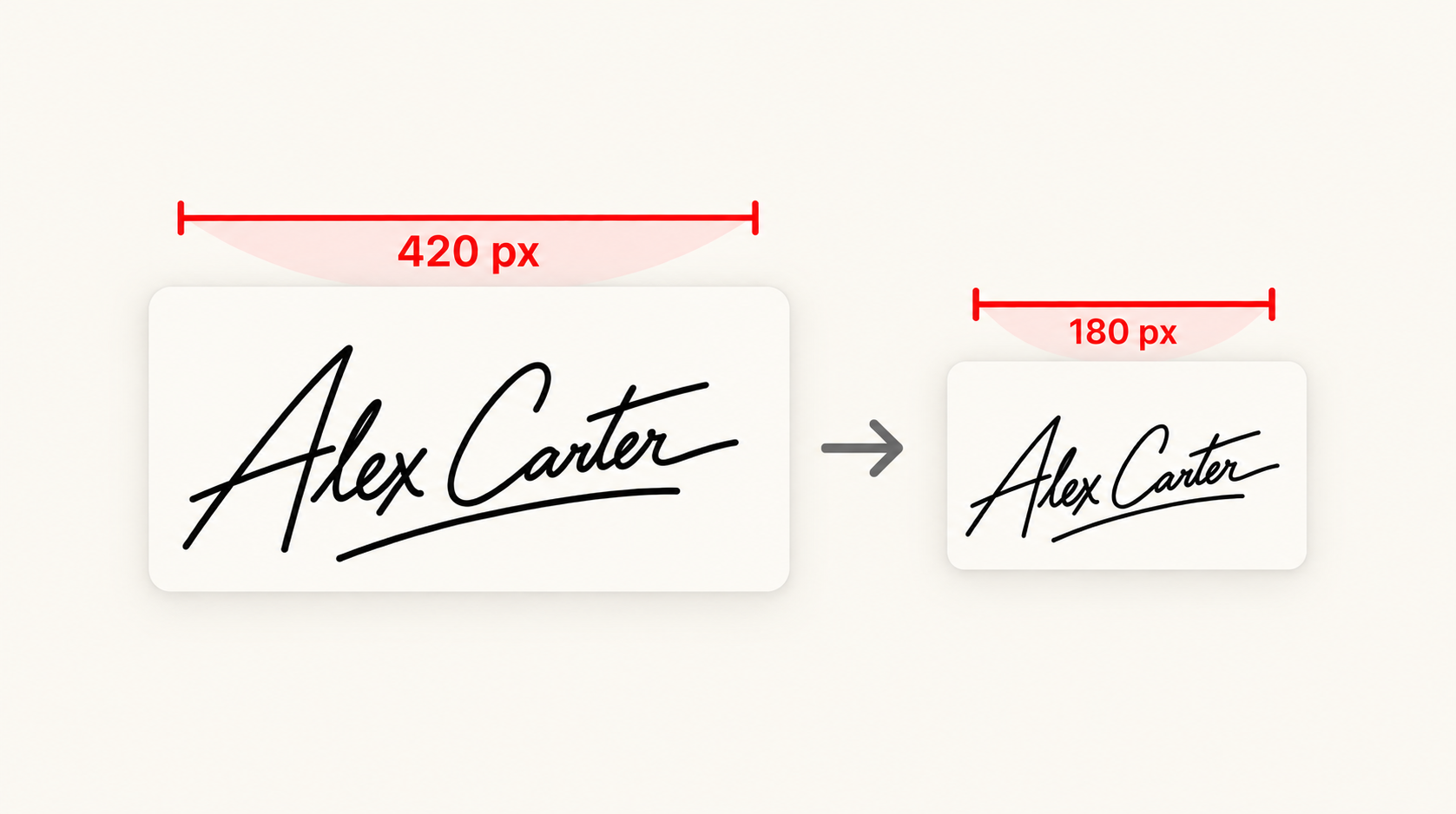
US uploads cap at 240 KB, Chinese visas want 40-120 KB. We search for the best quality that fits the range.
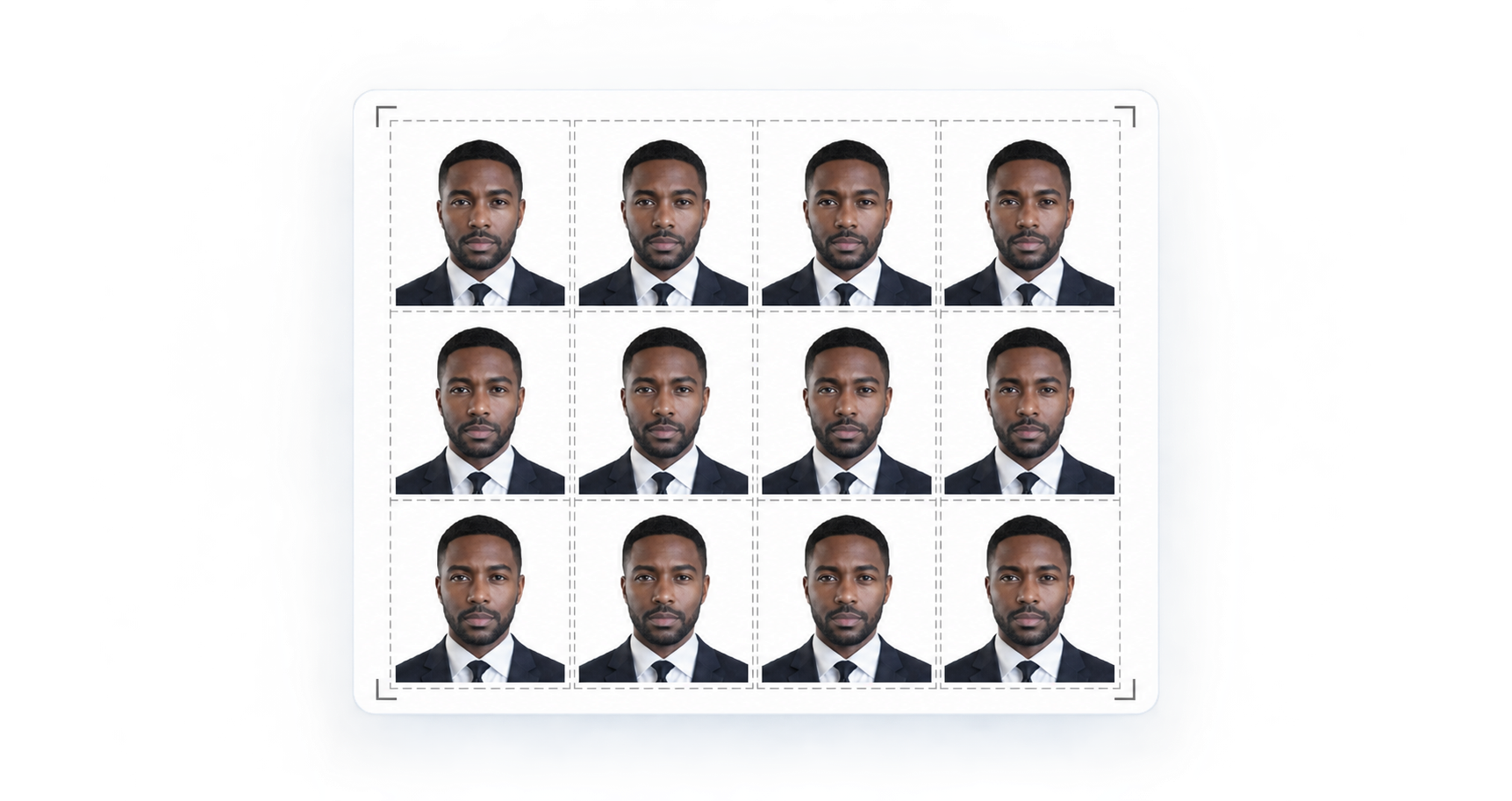
Tile onto 4x6, 5x7, A4 or Letter with dashed cut guides, and see how many copies fit before you download.
Face detection, segmentation and export all run locally. Open your network tab and watch: no image is ever sent.
Accepted vs refused
One compliant photo, five of the faults that cause most rejections.
Read the requirements guideCommon faults to watch for
Neutral expression, even lighting, plain background, head correctly sized and centred.
A side light or overhead lamp leaves one side of the face dark. Face a window instead.
A textured, coloured or shadowed wall. Turn on background replacement to fix this.
Reflections hide the eyes. Most countries want glasses removed entirely.
The head must be square to the camera. Use the straighten slider to correct small tilts.
The crown is cut off and the head exceeds the allowed millimetre range.
Private by architecture, not by promise
A passport photo is one of the most sensitive images you own. Rather than promising to delete your upload, we removed the upload. Face detection, background segmentation, cropping and encoding all run on your own device inside this browser tab. There is no server to breach and no retention policy to trust.
Your browser
Detect · crop · export
Receives the photoOur servers
Never receive the image
No uploadThe toolkit
All free, all client-side. Most people need the photo maker; the rest exist because immigration portals have opinions about kilobytes.
By document
Each page carries the published specification, the digital limits, and the mistakes specific to that document.
Browse by country Canada passport photo50x70 mm with a 31-36 mm face heightIRCC digital photoUpload-ready photo for IRCC online applicationsCanada citizenship photoPhoto for the CIT 0002 citizenship applicationCanada PR card photoPermanent resident card photo requirements
 US passport photo2x2 inch, the US State Department standardUS visa photoDS-160 and interview photo requirementsUSCIS photoGreen card, naturalisation and work permit photos
 Chinese visa photo33x48 mm with strict head positioningBaby passport photoHow to photograph infants and toddlersDigital passport photoPixel and file size rules for online forms2x2 photo makerThe 2 inch square format, done exactly
Please verify before you submit. Photo specifications change and the accepting officer has the final say. We link to the official source on every format page, and our requirements guide explains what reviewers actually check.
Why free?
This tool is built by GetNorthPath as part of its free DIY immigration toolkit. A rejected photo is one of the most common and most avoidable reasons an application gets delayed, so preventing that is work worth doing whether or not you ever open another GetNorthPath page. And because everything runs on your device, it costs us almost nothing to keep free.
Applying to Canada?
GetNorthPath builds free DIY immigration tools: eligibility helpers, CRS and document checkers, and guides for every major pathway. Start with a tool, or book a short walkthrough so the team can show you how one works.
Product help only. Photo tool stays free either way.