GetNorthPathPassport Photo
Tool · Photo maker

Passport photo maker

The full editor. Pick any of the 50+ supported formats, upload a photo, and get a compliant file with the head height measured in millimetres. Free, no watermark, no upload.

Photo format

Head height 31-36 mm

Background: Plain white

Glasses: allowed if eyes are clear

Background

Compliance

Upload a photo and every requirement is checked here in real time.

Private by design

Your photo is processed entirely inside this browser tab. It is never uploaded to a server, so there is nothing for us to store, share or leak.

Read the full requirement checklist

What the editor is actually doing

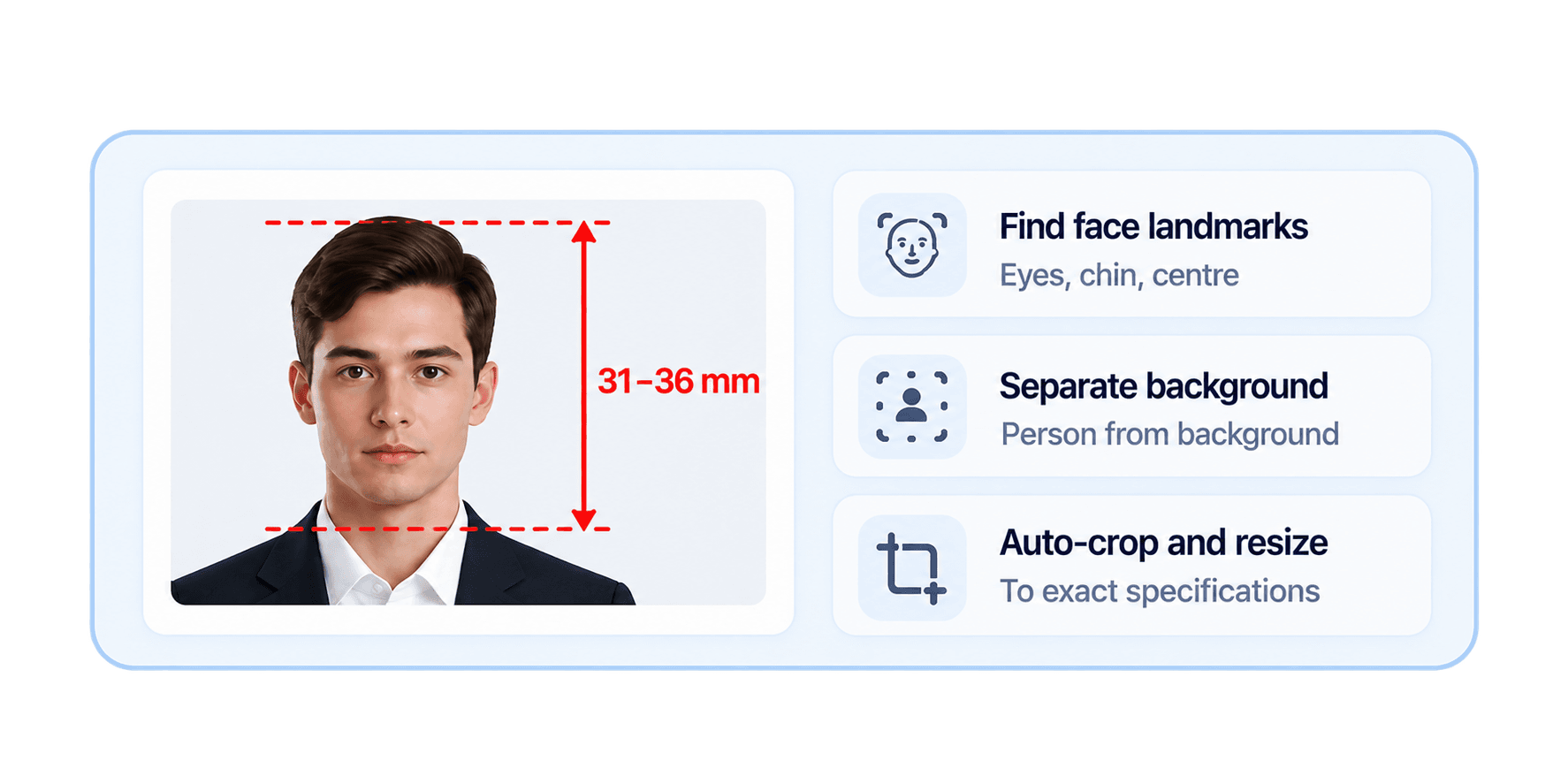
When you upload a photo, two models run locally. A face landmark model locates your chin, your eye line and the horizontal centre of your face. A segmentation model separates you from the background, which we then use to find the true top of your head, hair included. That last part matters: landmarks alone can only find your hairline, and hair volume varies enough to push a photo out of tolerance on its own.

With chin and crown located, the crop becomes arithmetic. The head is scaled so its chin-to-crown height lands in the middle of the country's permitted range, the eye line is placed at the expected height, and the frame is rendered at the exact pixel dimensions for the format. You get the resulting measurement in millimetres rather than being asked to trust the output.
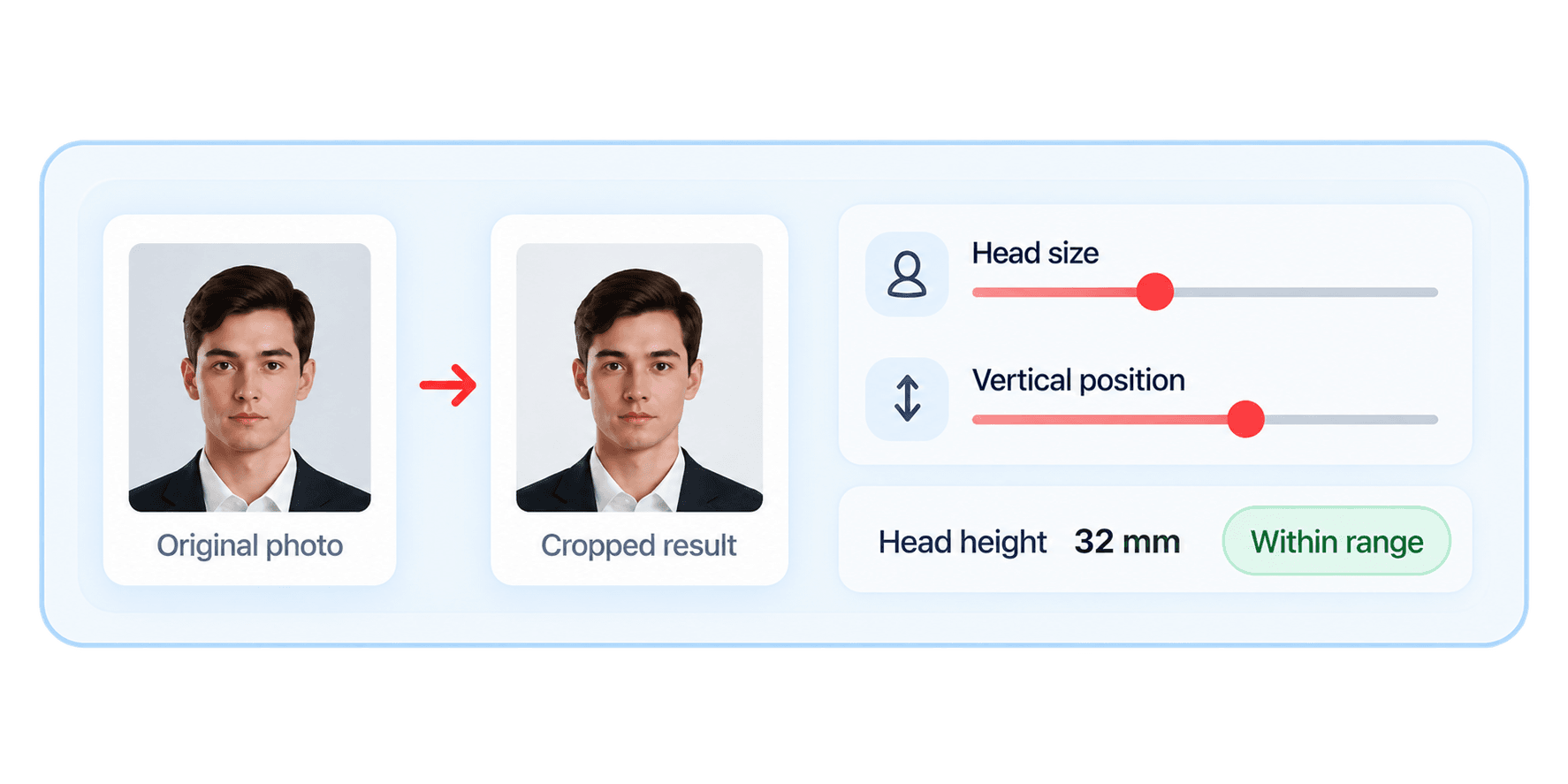
When to override the automatic crop

The sliders exist because automatic detection is very good but not infallible. Voluminous or light-coloured hair against a bright background can confuse the crown estimate. A hat, a headscarf or an unusual hairstyle can too. If the guide lines in the preview do not sit on your actual chin and crown, nudge the head size and vertical position until they do, and watch the millimetre figure as you go.

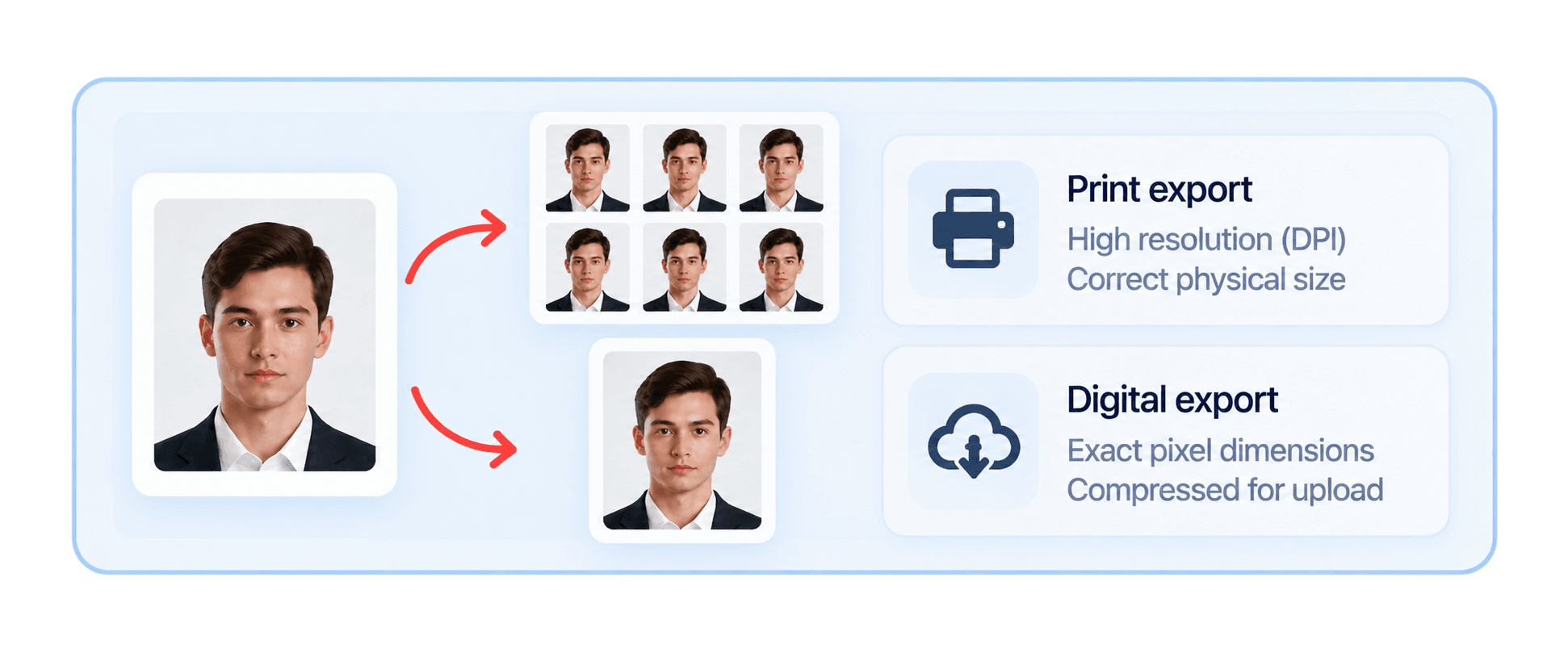
Print and digital are different exports

For formats that publish digital upload rules, the sidebar offers a print and a digital preset. Print renders at the specification's DPI with a true density written into the JPEG header, so the physical size is correct on paper. Digital renders at the pixel dimensions the portal expects and compresses to fit any kilobyte cap. If you need both, export twice; the source photo does not need to change.

Getting a good source photo

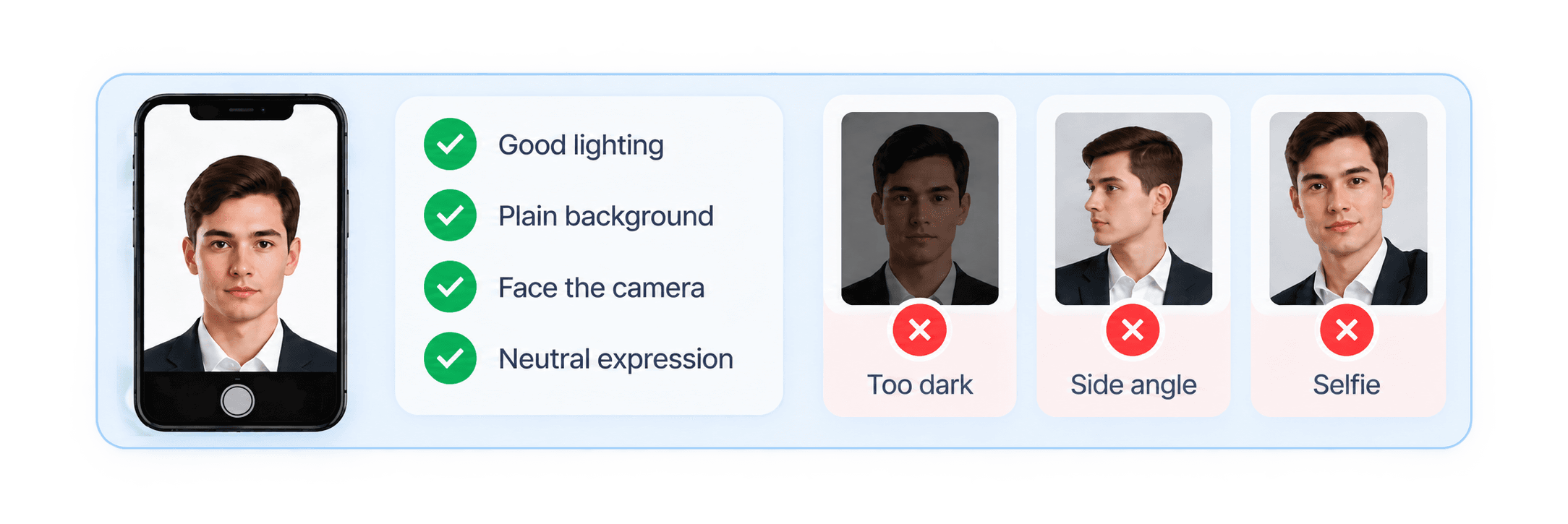
No amount of processing rescues a badly lit photo. Face a window in daylight, stand at least half a metre from a plain wall, and have someone photograph you from about two metres away at eye level. Avoid a selfie at arm's length, which enlarges the nose and forehead in a way that biometric comparisons notice.

FAQ

Questions, answered

Your photo never leaves your device. Cropping, face measurement and background replacement all run inside your browser tab using your own hardware, so there is no upload, no server copy and nothing for us to store or delete. You can confirm it yourself: open your browser's network tab while you edit and you will see no image being sent.
Applying to Canada?

The photo is the easy part. We handle the other 40 documents.

GetNorthPath prepares every IRCC form from your documents, flags mismatches before you submit, and has an experienced consultant review the whole file. One flat price of $299 CAD instead of the $2,000 to $5,000 a traditional firm charges.

Free 30-minute call. No credit card. Photo tool stays free either way.